

Blog
Guides, privacy tips, and product updates.
How to Stop Political Emails Before the Midterms
Why unsubscribing from campaign email barely dents it, what helps in Gmail and Outlook, and how Premail's new Political Pack files fundraising asks, polls, and get-out-the-vote mail away for every party alike.
Read more →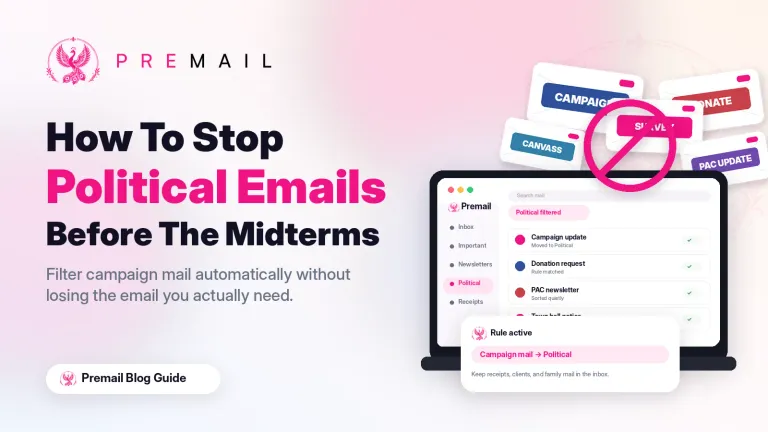
How to Turn Your Email Into an Action List With Premail Briefings
Set the checkpoints that fit your day, create a briefing for each one, and start every email review from a summary of what needs doing instead of a scan of the inbox.
Read more →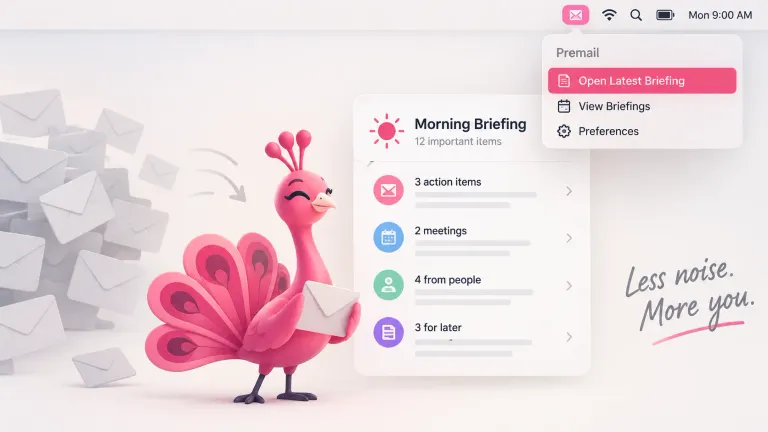
How to Stop Spam Email and Block Senders for Good
Your provider already catches real spam. This covers what gets through: why marking as spam stops working, how to block a sender in Gmail, Outlook, Apple Mail and Premail, and what to do about mail that is not spam at all.
Read more →Classify Your Email With Apple Intelligence, No API Key
Premail can now classify mail with Apple's on-device model on a compatible Mac. No access key, no account, no per-message cost, and message content never leaves the machine.
Read more →Briefings: A Digest, Not a Notification
Premail now writes you a short scheduled memo of what needs a reply, what is still waiting, and what it already handled quietly, so you can skip the inbox and still stay caught up.
Read more →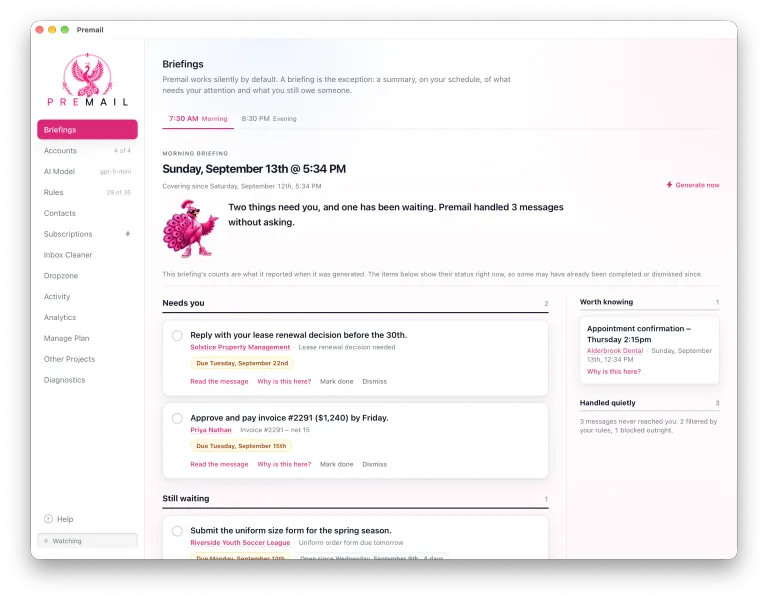
A Feedback Channel That Respects Your Inbox
Premail now accepts anonymous ideas and bug reports, with separate permission for follow-up and clear privacy limits from submission through review.
Read more →Premail v1.0.5: Less Setup, More Trust
Premail v1.0.5 adds portable backups, first-class model discovery, GPT-5-optimized rule-pack classification, more reliable startup, and more fixes.
Read more →
Twitter (X) Users Are Being Flooded With Password Reset Emails. This Is Exactly Why Premail Exists.
Attackers are making Twitter (X) send its own password-reset emails, so they pass every authenticity check. Spam is not defined by who sent it. Premail filters on intent, and quarantine keeps the evidence without the noise.
Read more →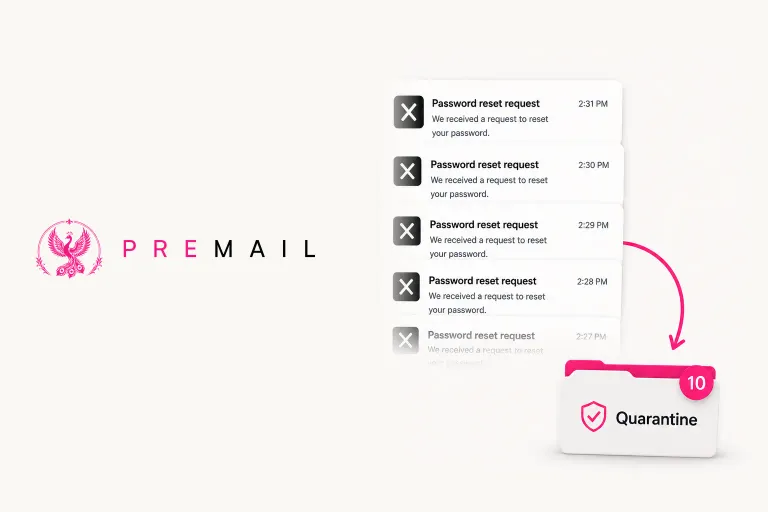
Product Analytics That Starts With a Choice
Premail product analytics is off by default, excludes inbox data and credentials, and can be disabled at any time from inside the app.
Read more →What CASA Reviews for Gmail Apps
NetSentries completed Premail’s CASA Tier 2 assessment on August 7, 2026. Learn why Google required it and what the full-application review covered.
Read more →Move Your Whole Premail Setup to Another Machine in One File
Premail can now export every setting, not just rules, to a single file and restore it into another installation. Your accounts and their passwords never leave your machine.
Read more →How to Organize Outlook Email
A practical guide to organizing Outlook: Focused Inbox, folders, rules, Sweep, and Quick Steps, plus how to keep it organized without filing by hand.
Read more →How to Manage Email Overload
Email overload is a systems problem, not a discipline problem. Cut the inflow, batch the rest, and let the right messages reach you while the noise sorts itself.
Read more →How to Organize Your Email Inbox (and Actually Keep It That Way)
A simple five-folder system for organizing any inbox, plus the part most guides skip: how to keep it organized without doing the sorting by hand.
Read more →How to Clean Up Your Gmail Inbox Quickly
A fast, step-by-step way to clear a messy Gmail inbox: bulk-delete by sender and size, mass unsubscribe, declare email bankruptcy, and keep it clean.
Read more →Watch OTPs From Every Account in One Place: A Security Smart Mailbox in Apple Mail
The Security rule pack files OTPs into a Security folder per account. With multiple accounts in Apple Mail, that means a folder per account. Here's how to merge them into one Smart Mailbox you actually watch.
Read more →See What Premail Has Done for You: The New Analytics Tab
Premail now ships a persistent Analytics tab with date-range filters, per-action and per-account breakdowns, and an honest estimate of how much manual triage time it has saved you.
Read more →Premail Now Syncs Your Contacts so You Never Miss Mail from People You Know
Premail can now import your address book from Gmail, Outlook, and iCloud. Synced contacts default to Rules Apply, so cold-email and spam rules stop misfiring on people you know.
Read more →You've Been Conditioned to Check Your Email. It's Time to Stop.
Notifications trained your brain to treat every new email as urgent. Most of it isn't. Here's how to retrain your brain and take back your inbox.
Read more →What Happens When Your Computer Sleeps and Wakes Up
Premail automatically catches up on any emails that arrived while your Mac, Windows, or Linux machine was asleep. Here's exactly how it works.
Read more →How Premail's AI Rules Filter Your Inbox
Premail evaluates every component of your email with AI-powered rules, with no Premail servers processing your private data. Use Anthropic, OpenAI, or Ollama locally for full privacy.
Read more →How to Stop Recruiter Spam Without Missing Real Opportunities
Recruiter spam is relentless. Premail automatically moves cold outreach to quarantine so your inbox stays clean, on Mac, Windows, and Linux.
Read more →