
How to Manage Email Overload
· Written by Matt Senter, creator of Premail
Email overload rarely means you are bad at email. It means the inflow has outgrown any reasonable amount of attention, and no amount of willpower fixes a volume problem. The way out is not to process faster. It is to change the system so less reaches you and the rest handles itself. Folder structure is covered in how to organize your email inbox; this piece is the behavioral half: why you keep checking, and how to stop treating volume as a personal failing.
Why overload happens
Two forces compound. First, the volume keeps climbing: every account, purchase, and signup adds a new stream of mail. Second, your client treats it all as equal. A genuine question from your boss and a "your order has shipped" notice arrive with the same badge, the same weight, the same little tug to look. When everything is urgent, nothing is, and the inbox becomes a wall of undifferentiated obligation.
So the goal is not an empty inbox for its own sake. It is an inbox where what is in front of you is actually worth your attention.
Step 1: Cut the inflow at the source
The cheapest email to manage is the one that never arrives. Spend twenty minutes unsubscribing from everything you have not deliberately read in the last few months. Newsletters, promotions, digests, "we miss you" campaigns. Be ruthless; you can always resubscribe. This single move often removes the majority of daily volume.
Step 2: Stop checking, start batching
Continuous email checking is its own tax. Every glance is a context switch, and most glances find nothing that needed you. Pick two or three fixed times a day to process email, and close the app the rest of the time. Turn off badges and notification sounds so the inbox stops interrupting and becomes a place you visit on purpose.
When you do process, decide each message once: respond, archive, or defer to a folder. Do not re-read the same message five times across the day. Touch it, route it, move on.
Step 3: Let the noise sort itself
Even after unsubscribing, plenty of legitimate-but-low-priority mail keeps coming: receipts, notifications, calendar replies, cold outreach. None of it needs to hit your inbox the moment it arrives. The fix is to sort on arrival, so by the time you sit down to process email, the noise is already filed and only the things that need you remain.
Built-in rules and filters help, but they match exact senders and keywords, so they miss anything new and need constant upkeep, which is its own form of overload. The more durable answer is software that reads each message and routes it the way you would.
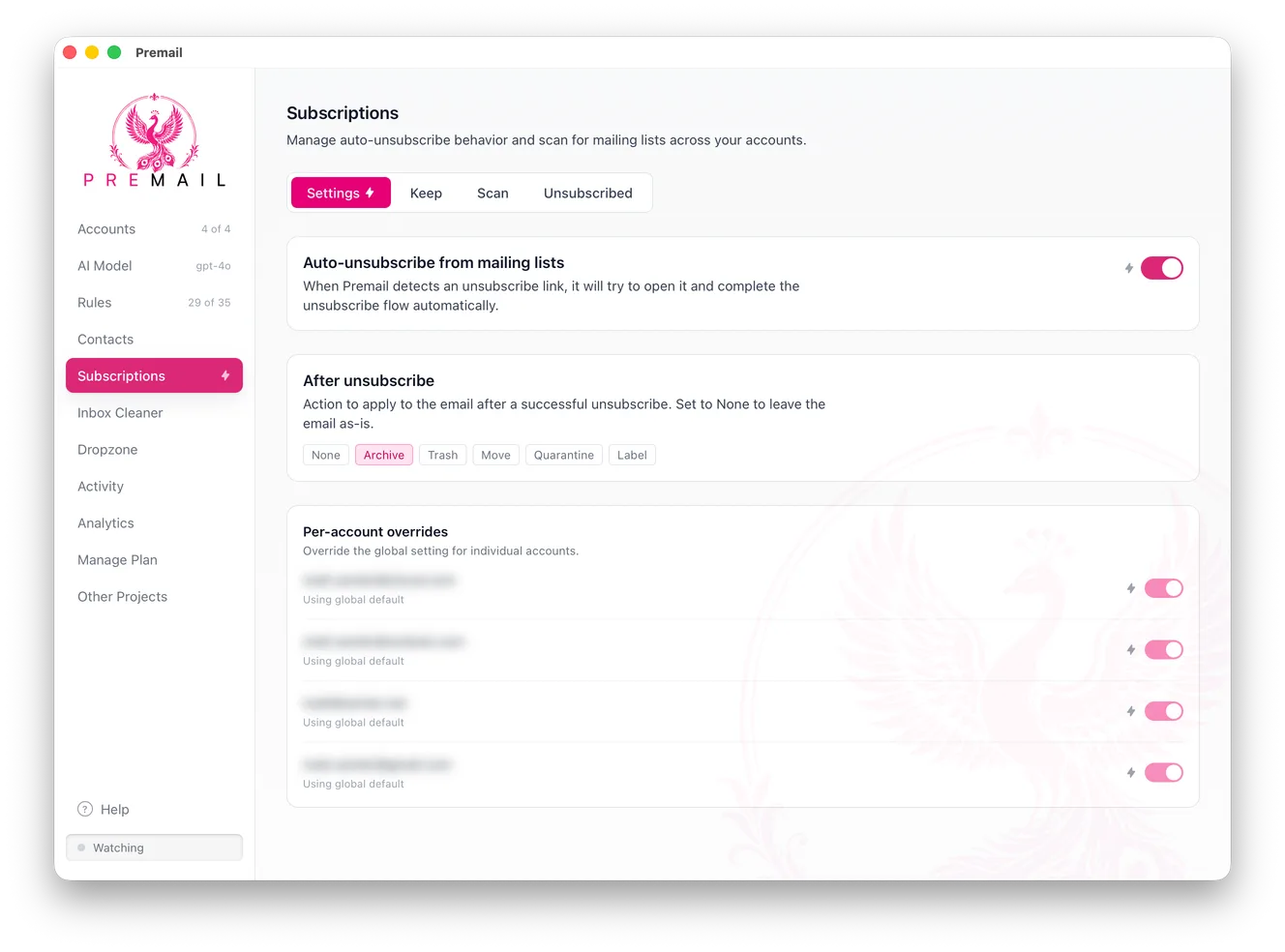
That is what Premail does. It runs on your own computer, watches your Gmail, Outlook, or iCloud inbox, and applies plain-English rules to every incoming message before you see it, archiving receipts, quarantining cold pitches, filing notifications, using an AI model you choose (including a fully offline one, so nothing leaves your machine). You stop being the sorting machine. By the time you open your inbox, it is already small.
Step 4: Make peace with "good enough"
Overload is also emotional. The fear that something important is buried keeps people scrolling. In practice, real emergencies do not arrive by email; the people who urgently need you call or message. Everything in the inbox can wait until your next batch. Once you trust that, the compulsion fades, and email becomes a tool you use rather than a tide you fight.
The other emotional trap is "I will just get to inbox zero tonight." That is a mood, not a system. A mood fails the first late meeting. A system is two named windows on the calendar, badges off, and mail that has already been sorted before those windows open. If you notice yourself opening mail to feel in control, that is the slot-machine loop described in stop checking your email, not a filing problem.
The short version
- Overload is a volume problem, not a discipline problem.
- Unsubscribe aggressively to cut the inflow.
- Batch email into a few fixed times; turn off the badges.
- Let software sort the noise on arrival so only what needs you remains.
- Trust that anything truly urgent will reach you another way.