
AI email assistant
The AI email assistant that manages your inbox on your own machine
Most AI email tools send your inbox to their cloud. Premail does AI email management locally: it reads every incoming message, applies your plain-English rules, and files it before you ever see it, using an AI model you choose, including a fully offline one.
AI email management without the cloud
An AI email assistant should take work off your plate without taking your privacy with it. Premail handles the triage a virtual assistant would, on your hardware, for a fraction of the cost.
Rules in plain English
Write a rule like "quarantine cold sales pitches" or "file order confirmations under Receipts." A real LLM reads each message and applies it, no rigid filter syntax.
Runs on your machine
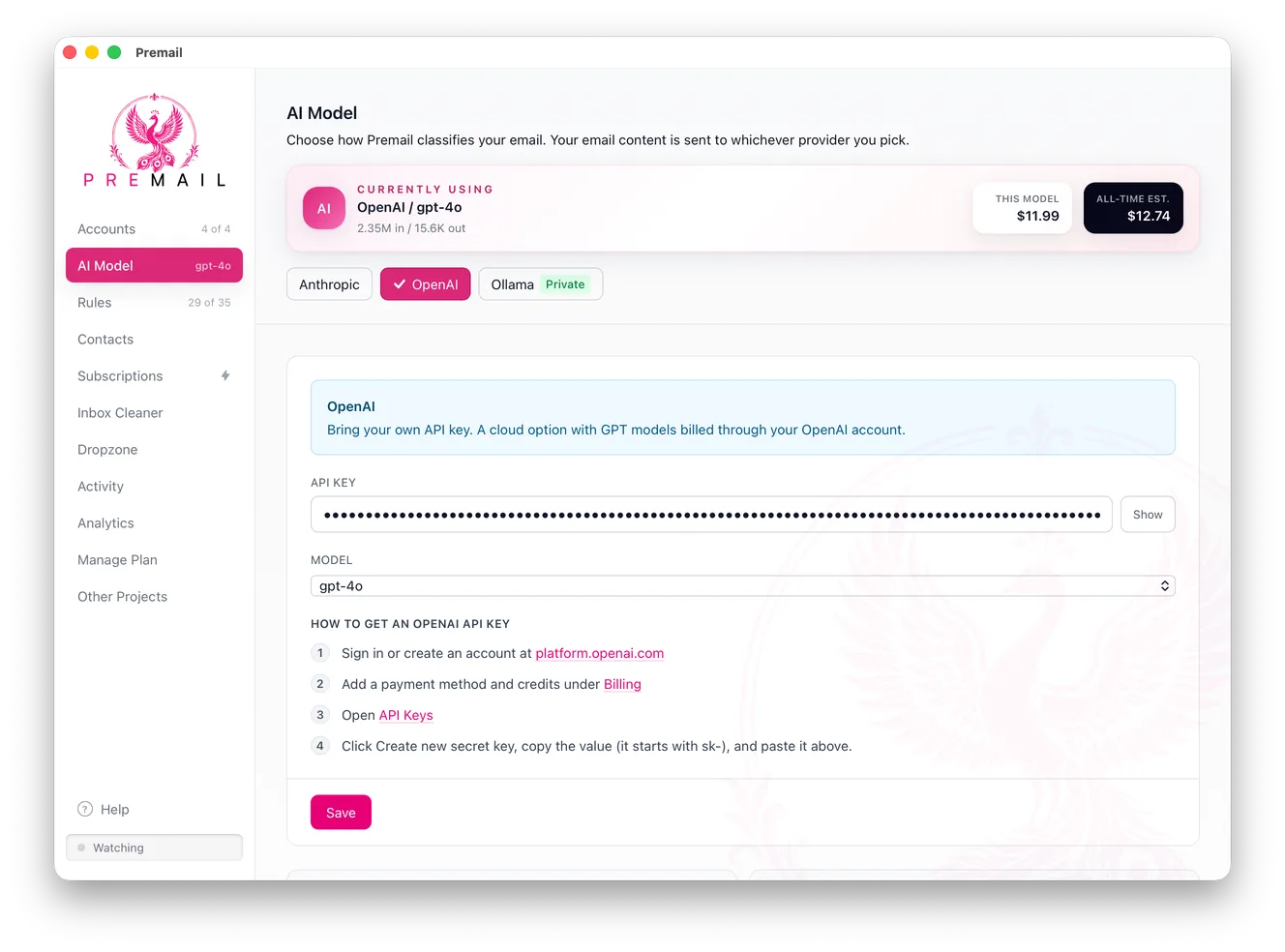
No cloud middleman. With local Ollama your mail never leaves your computer. With Anthropic or OpenAI, requests go straight from you to them.
Acts on real mail
Archive, trash, quarantine, or move to a folder, automatically, before you ever see the message, in the inbox you already have.
Free for personal mail
Personal inboxes are free. Flat Pro or one-time Lifetime for work inboxes. No per-inbox pricing, ever.
Reads the whole message
Cloud tools limit themselves to headers because their servers see your mail. Premail has no servers, so it uses the full body as a signal, which is why nuanced rules actually work.
Cleanup built in
Bulk unsubscribe and an inbox cleaner chew through the backlog, while the rules keep new mail from piling up again.
Why a local AI email assistant
Your inbox is the most sensitive account you own
No servers in the loop
There are no Premail servers. With Ollama, classification is fully offline. With a cloud model, your mail goes straight from your machine to the provider you chose.
You pick the model
Run Ollama locally for full privacy, or bring your own Anthropic or OpenAI key. You control the model, the cost, and where the data goes.
Every action is auditable
An open log shows exactly what was done and why. A drag-and-drop debugger lets you test any message against your rules before trusting them.
How it compares to other AI email tools
If you are weighing the popular options, the difference always comes back to where the processing happens and how you are charged.
Frequently asked questions
What is an AI email assistant?
An AI email assistant reads your incoming mail and acts on it for you: sorting, archiving, quarantining, and filing messages so your inbox only holds what actually needs you. Premail does this with a real LLM that judges each message the way you would, using plain-English rules you write yourself.
What is the best AI email assistant for privacy?
Premail, because it runs on your own computer instead of a cloud service. With a local Ollama model your email never leaves your machine; with Anthropic or OpenAI, requests go straight from your computer to the provider, never through Premail servers, because there are none. Most other AI email tools route your mailbox through their infrastructure.
How much does AI email management cost?
Premail is free for personal inboxes. Professional inboxes use a flat Pro subscription or a one-time Lifetime license, not per-inbox billing. AI is bring-your-own-key: zero with local Ollama, or roughly $0.01 per 1,000 emails with a model like Claude Haiku or GPT-4o Mini.
Does it work with Gmail, Outlook, and iCloud?
Yes. Premail connects to Gmail, Outlook, and iCloud, and acts on your real inbox in your existing folders. It works alongside whatever email client you already use on Mac, Windows, and Linux.
Does an AI email assistant write emails for me?
Premail is built for inbox management, not composition. It triages and organizes incoming mail rather than drafting replies. If your inbox problem is volume and noise rather than writing, that is exactly what it is for.
Put an AI email assistant to work today
Free for personal inboxes. No account, no servers touching your email. Works alongside the email client you already use on Mac, Windows, and Linux.