

Your inbox, defended.
AI email filtering for Mac, Windows, and Linux
Premail is a companion app that runs in the background, next to whatever email client you already use. It watches your Gmail, Outlook, and iCloud inboxes and handles mail the way you would by hand. No plugins. No new app to live in. Your inbox just stays calmer. See how to organize Outlook email without filing by hand.
What is Premail?DownloadAlso available for Mac / Windows / Linux
No Premail account required · Free to download
A look inside
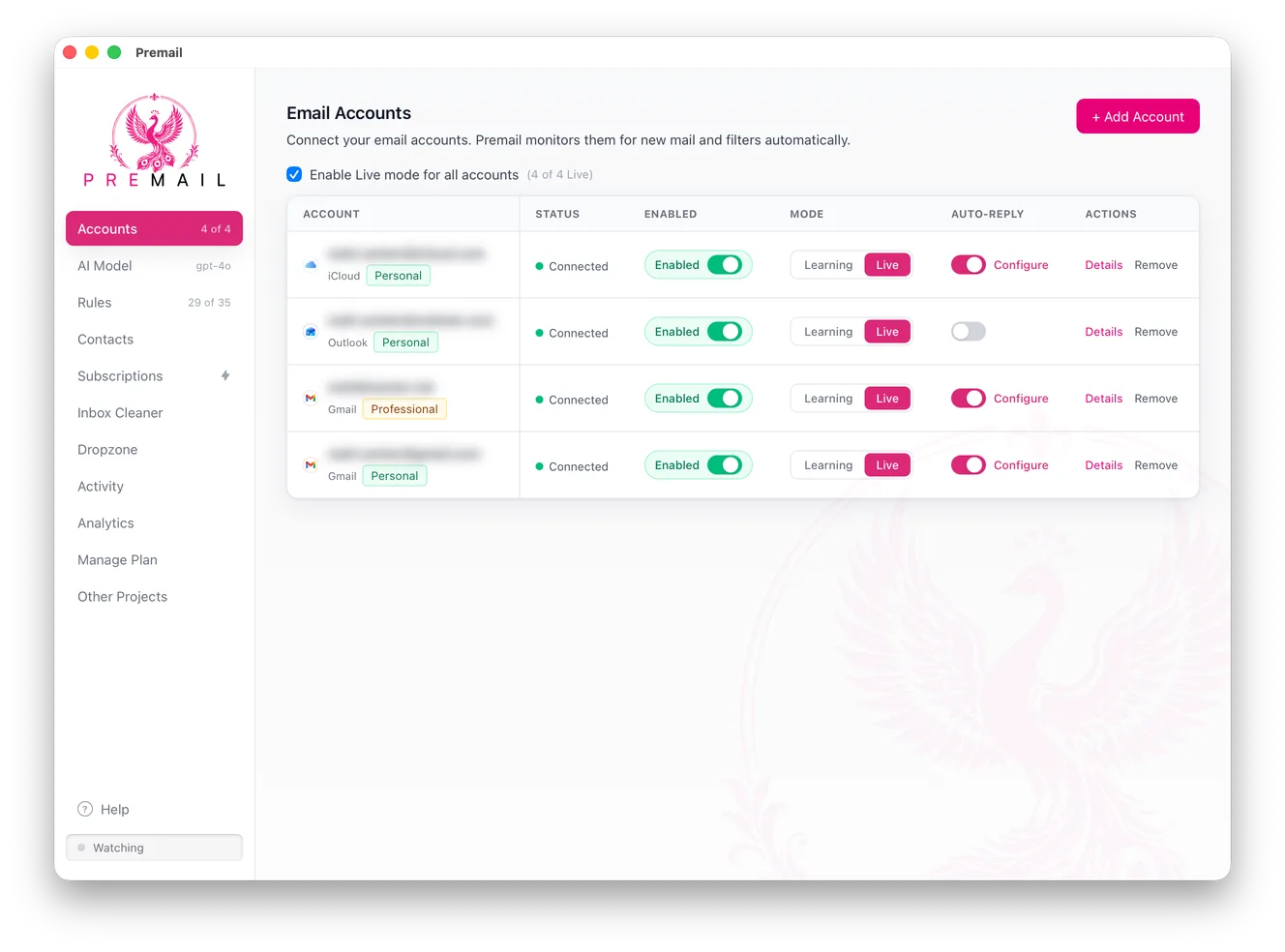
One window. Every inbox you own.
What Premail actually does
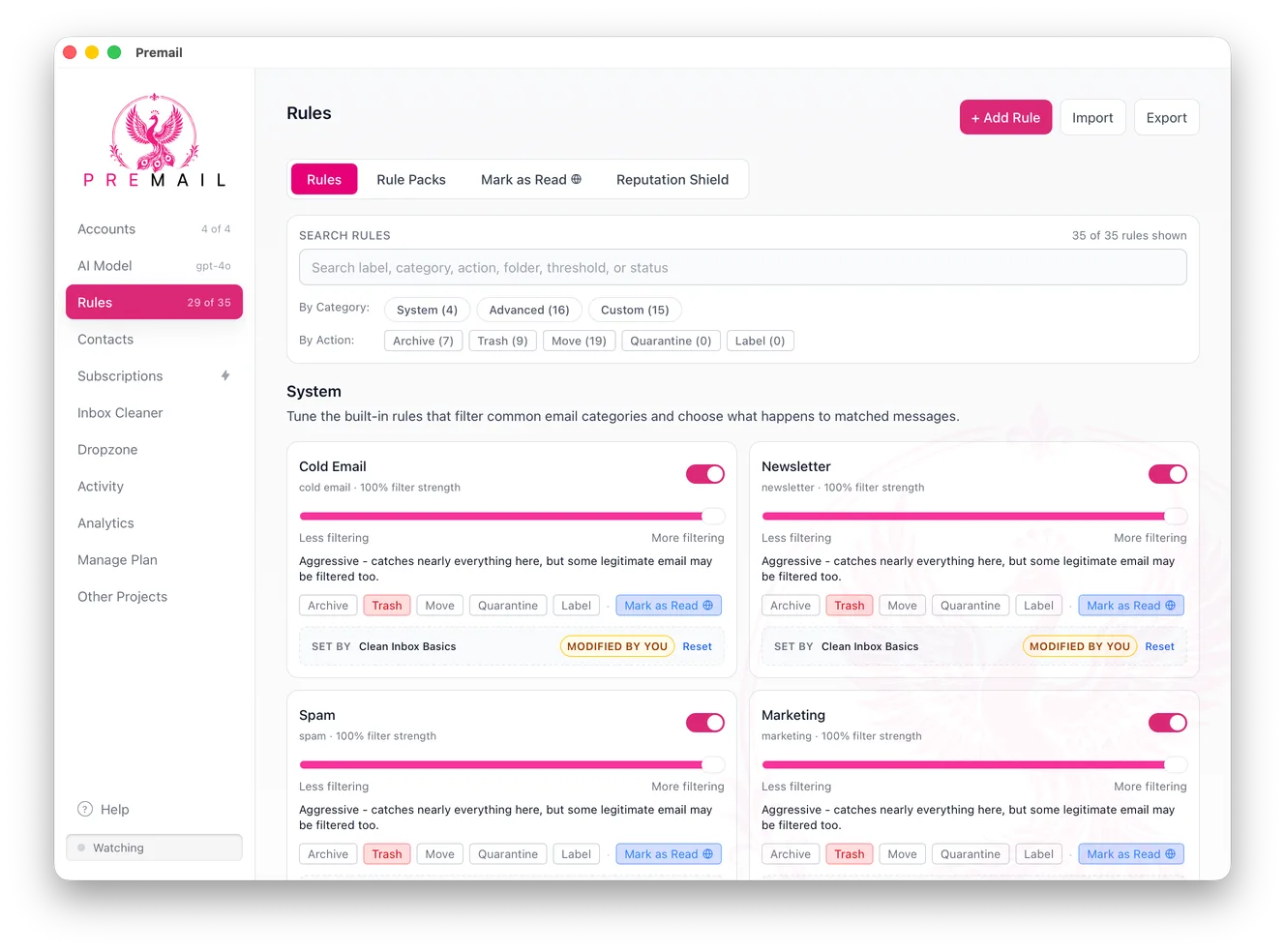
Most email tools ask you to move in. Premail does not. It sits in your menu bar or system tray and works on the inbox you already have, in the client you already use, whether that is Apple Mail, Outlook, Thunderbird, or a browser tab. When a new message arrives, Premail reads it, decides what kind of mail it is, and applies the rule you set for that category - archive it, trash it, move it to a folder, quarantine it, or leave it alone.
The classification runs against an AI model of your choosing. You bring your own Anthropic or OpenAI key, or you point it at a local Ollama model and nothing leaves your machine at all. There is no Premail server in the middle reading your mail, because there is no Premail account: you download the app and it talks to your mail provider directly. That is the whole difference from cloud filtering services, and it is why we publish a Trust Center and a third-party security assessment rather than asking you to take it on faith.
It is built for people whose inbox has stopped being useful: engineers buried in recruiter outreach, founders drowning in cold email, anyone with a decade of newsletters they never unsubscribed from. If you have tried organizing your inbox by hand and watched it refill in a week, that is the problem this solves - not by giving you another folder system to maintain, but by handling the mail before you ever open the client.
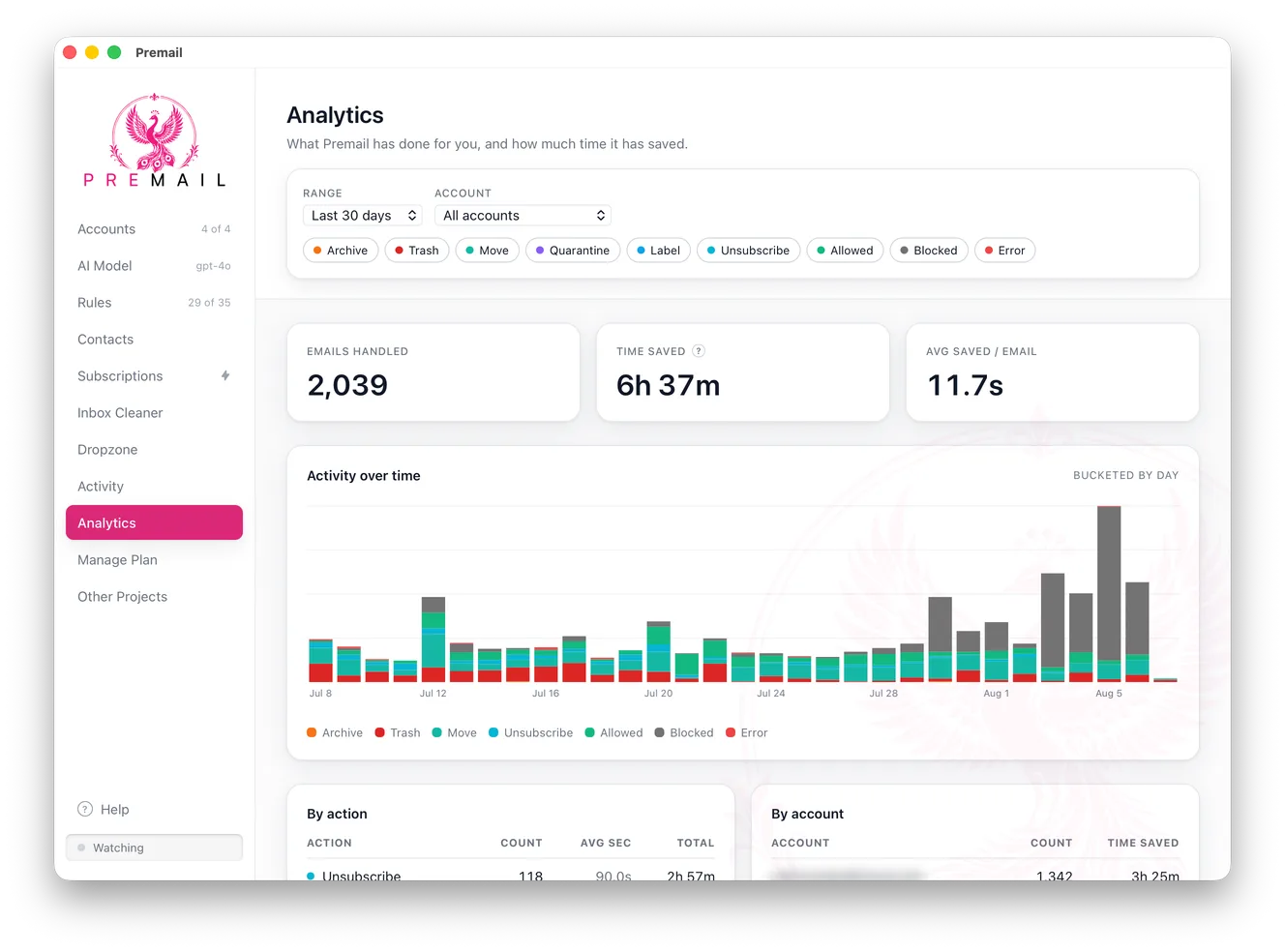
Nothing is destructive by default. Every account starts in Learning mode, where Premail shows what it would have done without touching a single message, so you can check its judgement against your real mail before you hand it the keys. The Activity log records every decision it makes, and an allowlist guarantees the senders you care about are never filtered at all.
Premail runs on macOS, Windows, and Linux, and it is free for up to two personal inboxes. Pro adds professional inboxes, unlimited custom rules, and Reputation Shield, as a subscription or a one-time Lifetime license. If you are weighing it against a hosted service, the SaneBox comparison lays out where each one genuinely wins.
Safe by default
Every account starts in Learning mode
Before Premail touches anything, it watches. In Learning mode it classifies your new mail and shows exactly what it would do, without moving, archiving, or trashing a thing. When you trust the results, flip an account to Live and Premail starts acting on its own.
See how Learning mode works