
Security Quick Access
Last updated
Security Quick Access is enabled by default in the Security rule's settings. Use its checkbox on the Security rule or under Security Organizer in Rule Packs to turn it off or back on.
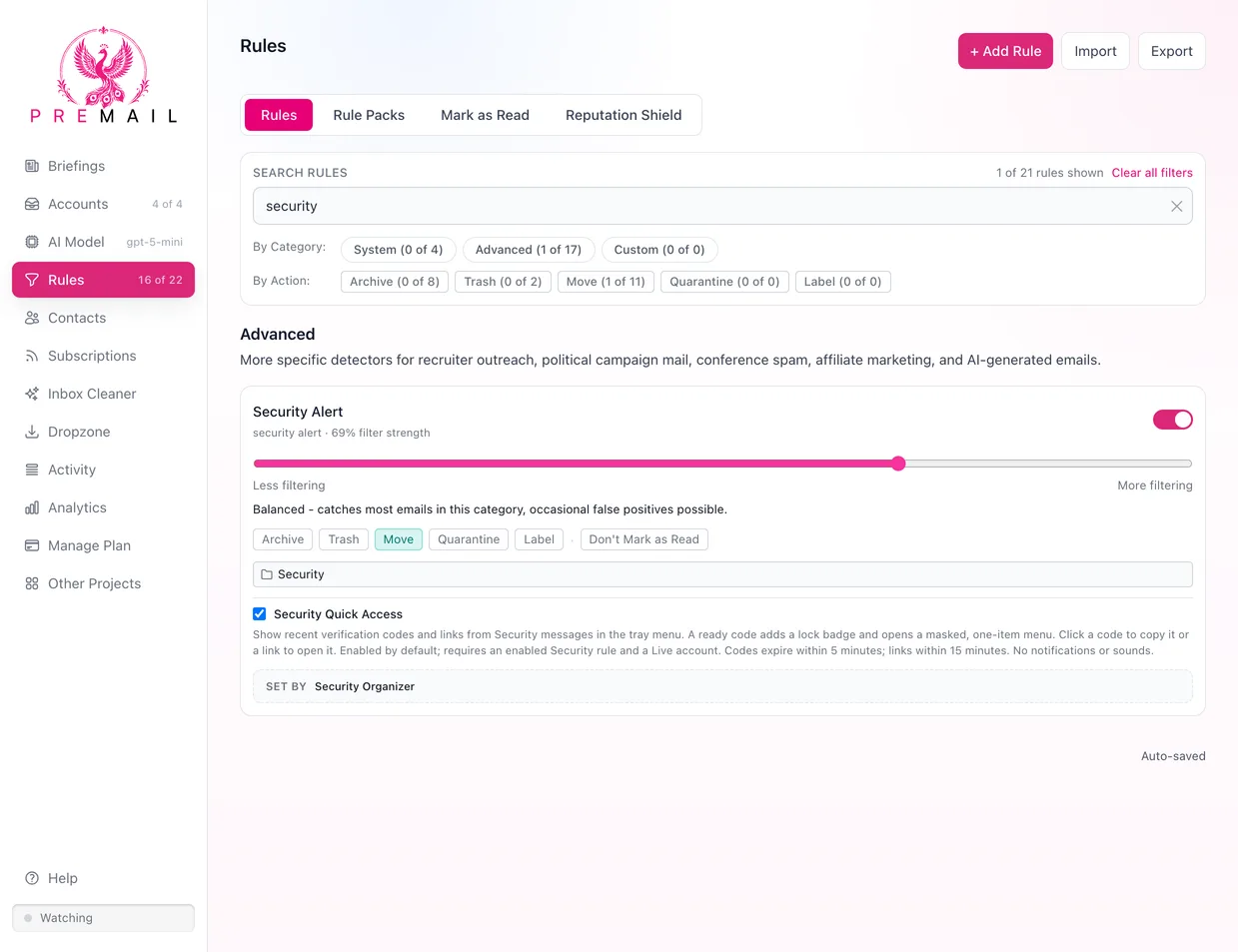
After a Live account's new message matches an enabled Security rule, Premail can extract a verification code or verification link locally. A ready code adds a small lock to the tray icon and automatically shows a one-item popup without interrupting typing, such as Expensify: 1xxxx6. Premail also recognizes the experimental OTP-Token email header when it contains a valid code and website origin. The copy icon sits to the left of the label, and only the first and last code characters are visible. Click the masked item to copy the real code. You can also open the tray menu to copy a code or open a link in your default browser. The same popup shows Copied! for three seconds after a successful copy, then dismisses.
Codes remain available when your provider omits authentication results. An explicit authentication failure prevents quick actions, and clickable links always require a verified sender. Ambiguous codes, stale messages, unrelated link domains, and redirect links are omitted. Some legitimate messages will therefore have no quick action; open the original email when needed. Mail from allowlisted senders skips classification but can still offer a code when the sender passes your provider's authentication checks. Verification links are never offered for allowlisted mail.
Up to five actions are held in memory. Codes expire no later than five minutes after receipt, and links no later than fifteen minutes; shorter stated lifetimes are respected. Disabling the feature, removing the account, or quitting Premail clears the actions. Copying puts the code on your operating system's clipboard; expiry does not erase your clipboard.
The lock clears after copying or expiry; older codes remain available in Security Quick Access. A dismissed popup stays dismissed for that code. The popup keeps the code masked; no system notifications, banners, or sounds are used. It does not monitor Junk or Spam folders; it works on messages delivered to Premail's existing processing pipeline.
Still have questions?
Contact Support (for Pro members)