
Settings Backup & Restore
Last updated
Settings Backup & Restore saves every setting in one Premail installation to a single JSON file and loads it into another. Use it when you move to a new computer, reinstall Premail, or run two installs you want configured identically. Community Rule Import/Export covers rules alone and is built for sharing with other people; this covers your whole setup.
What is included in a settings backup?
- Built-in rules with your threshold and action overrides, plus every custom rule
- Applied rule packs and their stack order
- Allowed senders, blocked senders, and unsubscribe protection
- App settings: mark as read, auto-unsubscribe, Reputation Shield, post-unsubscribe action
- Your AI provider and model, and optionally the API key
- Per-account preferences: on/off, Learning or Live, auto-unsubscribe, auto-reply, contacts sync
- The default state for new contacts, and your Contacts tab sorting
What is left out of a settings backup on purpose?
- Your email accounts and their passwords or OAuth tokens. Those stay in your operating system's keychain and never leave your machine, so connect your accounts on the other install first
- The activity log, unsubscribe history, and analytics
- Saved Subscriptions and Inbox Cleaner scans
How do you export rules?
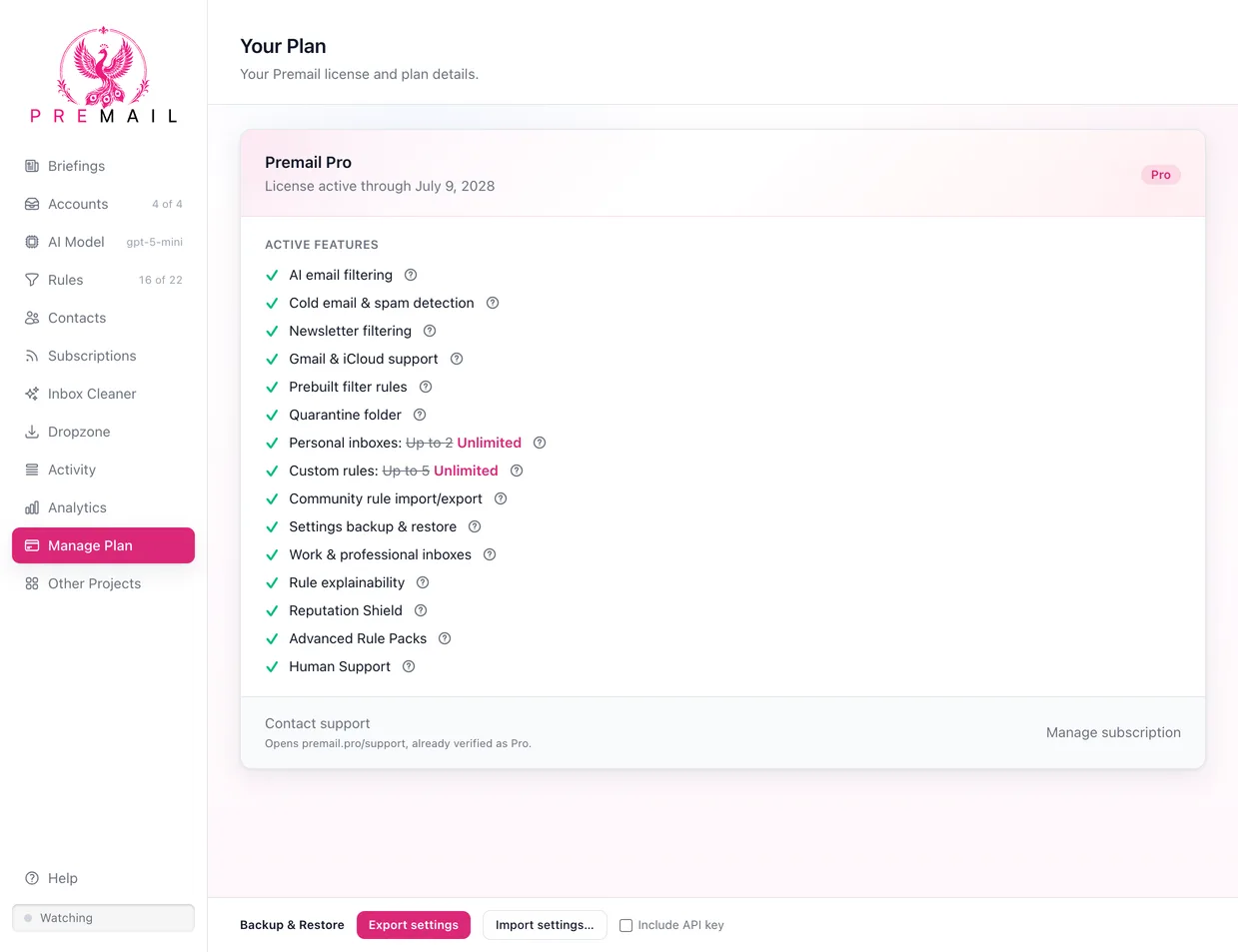
- 1Find the Backup & Restore controls in the footer of the Manage Plan tab.
- 2Decide whether to tick
Include API key. Leave it off if the file is going anywhere but your own machines. - 3Click
Export settingsand choose where to savepremail-settings.json.
How do you restore a settings backup?
- 1On the other installation, connect the same email accounts first, so per-account preferences have something to attach to.
- 2In the footer of the Manage Plan tab, click
Import settings…, and pick yourpremail-settings.json. - 3Review the summary of what the file contains and confirm. Premail replaces its settings and reloads.
Account preferences are matched by email address, since account IDs differ between installs. Any account in the backup that is not connected on this machine is skipped. If the backup carries no API key, the key already on this install is left alone.
A backup that includes your API key holds it in plain text. Treat the file like a password: keep it off shared drives and delete it once the restore is done. Settings Backup & Restore is a Pro feature and requires a Premail Pro license.
Still have questions?
Contact Support (for Pro members)